

The actual configuration of hosts is performed using configuration components. These components are bound to the specific firewall services. For example, there are separate components for Postfix (), for NTP () and for PNS itself. The list of usable components depend on the type of host under configuration. Most components belong to PNS firewall hosts.
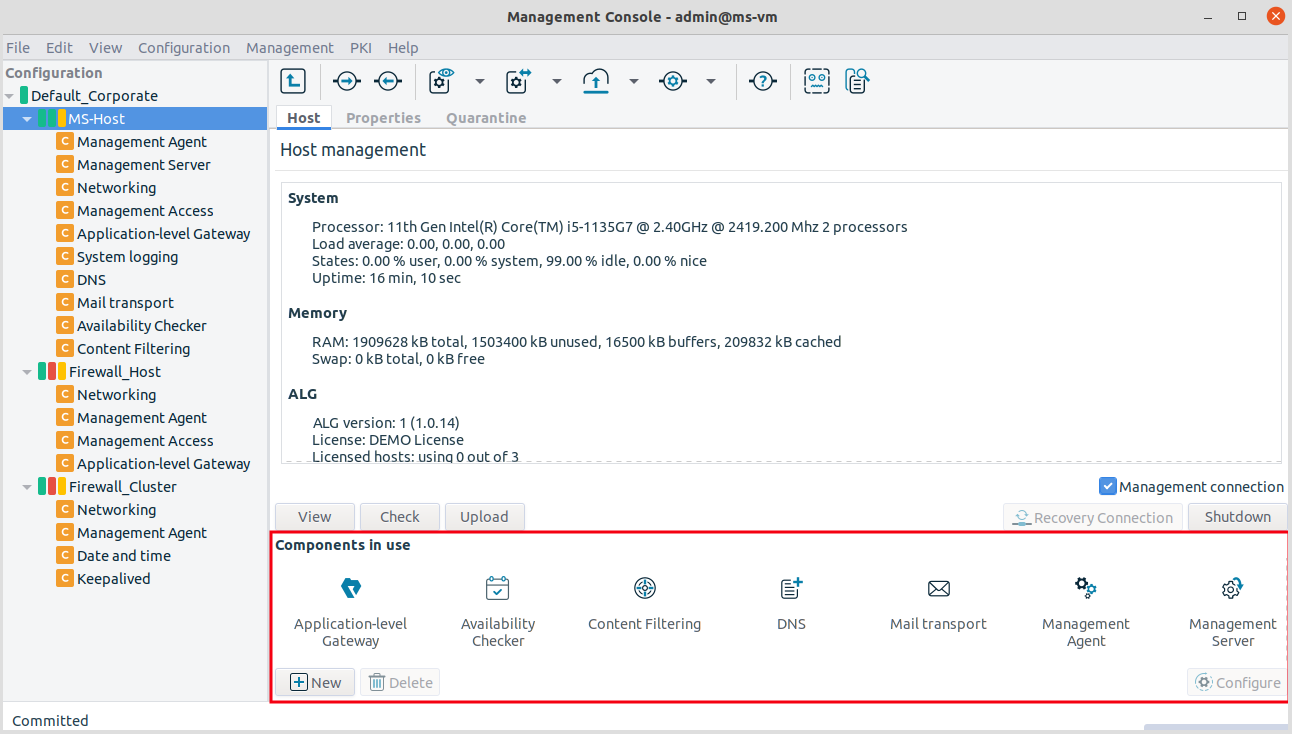
By default, there are two components added for each host: Networking and Management Agent. For MS hosts the Management Server component is added automatically.
3.2.1.3.1. Procedure – Adding new configuration components to host
Purpose:
To add a new confiugration component to a host, complete the following steps.
Steps:
Select the host you want to add a new component to the tree.
Navigate to the tab, and under the section, click .
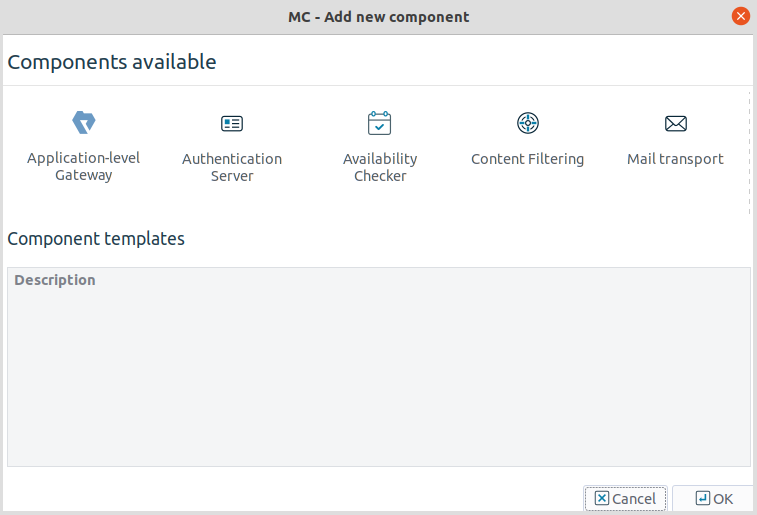
Select the configuration component to add from the list.
Note For managing PNS firewall hosts, it is essential to add the
Application-level Gatewayand theManagement Accesscomponents, at the very minimum.The configuration components are strictly focused on the service they manage and all have a distinctive graphical management interface accordingly. For more information on the different components, see the respective chapters.
The following components are available:
: Authentication Server (AS)
: Content Filtering (CF)
: POSTFIX
:
: Management Server (MS)
:
:
: syslog-ng
:
: NTP
:
:
:
Select the template to use for the component from the list.
Depending on the component, either enter default values for the component in the appearing new window or select a default configuration template.
These built-in templates are configuration skeletons with some default values and options preset. Creating new configuration templates is also possible.
Click .
Copyright: © 2021 Balasys IT Security
Send your comments to support@balasys.hu
