

Create a blacklist and a whitelist as necessary. To create them, open the free-text editor at
PNS Node → New → Text editor → URL Filter black and white lists.
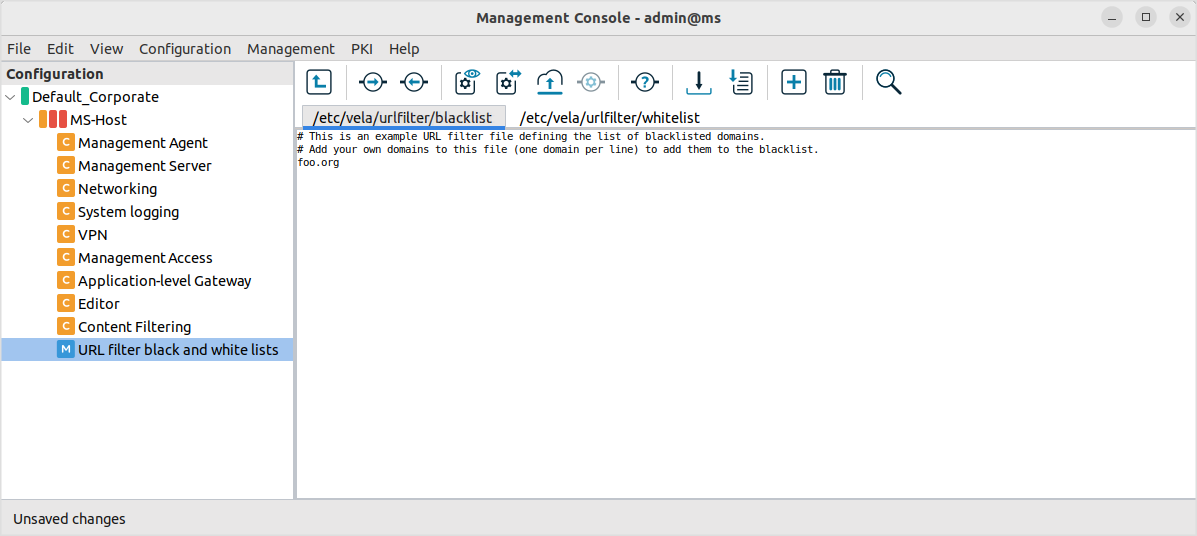
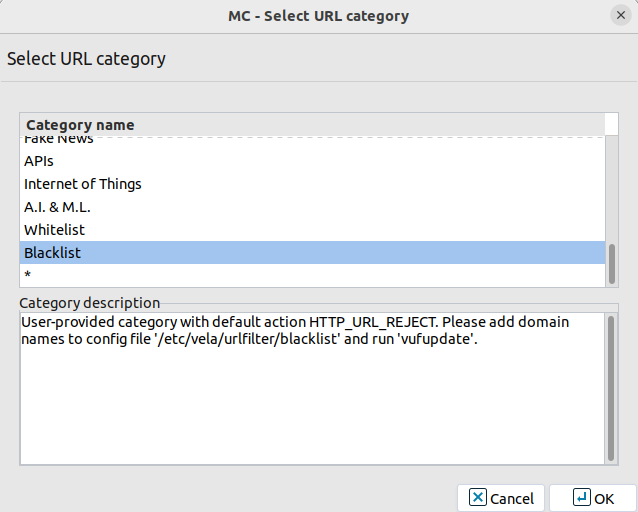
The blacklist, whitelist, and * options
are also available in the category list:
Copyright: © 2021 Balasys IT Security
Send your comments to support@balasys.hu
