

Under PNS component → Proxies, select the appropriate URL filter proxy.
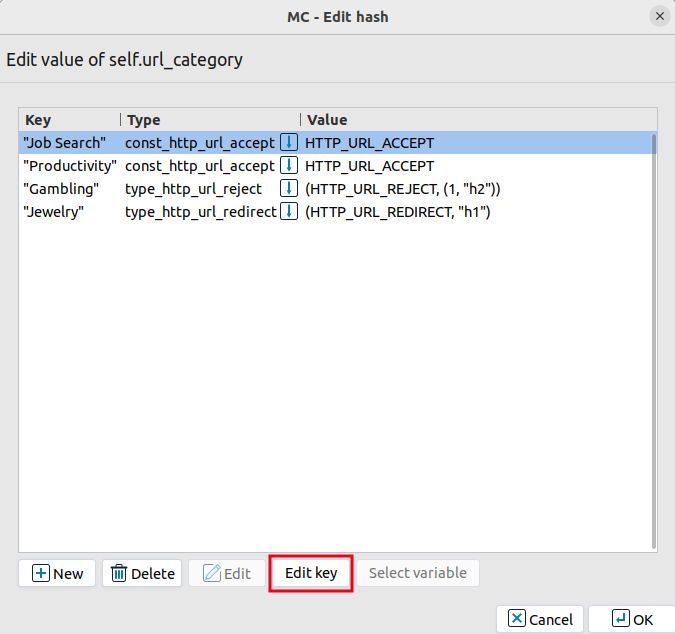
Under Attribute, edit self.url_category.
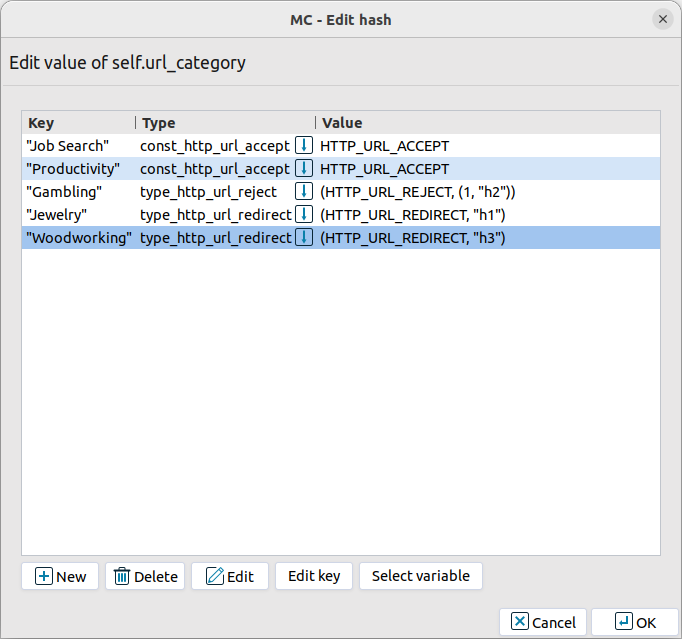
Existing categories are listed under Key. Until they are reassigned, these categories belong to the 'uncategorized' group.
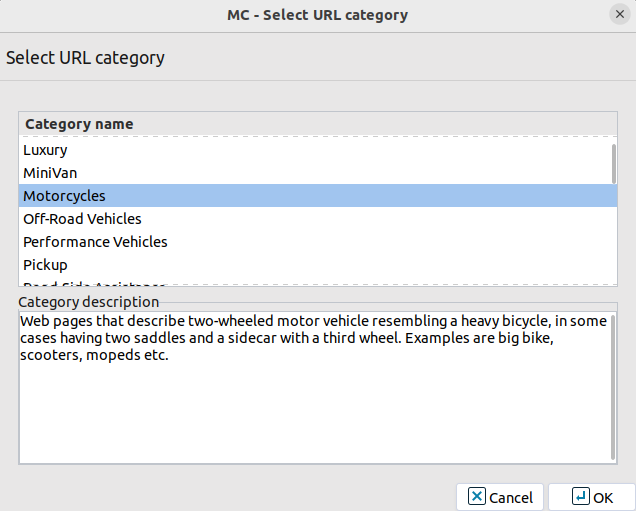
Click Edit key to display the available categories:
From the list, select the category that corresponds to the existing category.
For a list of categories available by default, see Section 6.7.3, List of URL filtering categories. You do not have to change all categories at once. Categories that you do not change remain in the 'uncategorized' group.
To search the categories, press Ctrl + F and start typing. Matching entries are highlighted. Use the up and down arrow keys to move between the matches.
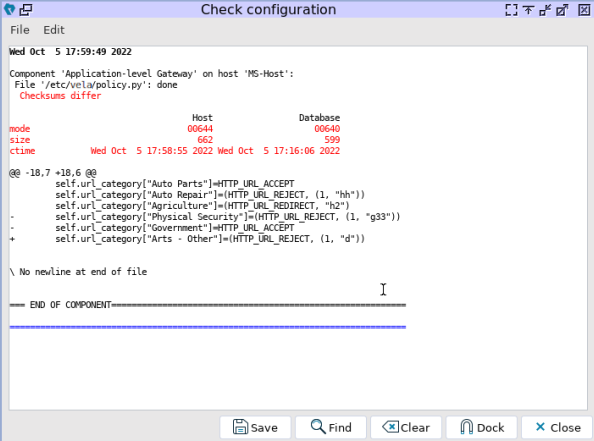
Click Commit, and then validate the changes using Check configuration.
By default, the cron job runs the vavupdate command every day at 11 p.m. to update the URL filter database. Use the username and password required to access the APT repository. This setup makes the solution easier to update.
Copyright: © 2021 Balasys IT Security
Send your comments to support@balasys.hu
