

13.1.1.3. Procedure – Changing passwords in ZMS
| Note |
|---|
Only the |
Navigate to the component of the host running ZMS, and select the parameter from parameters.
Select the username whose password is required to be changed.
Click .
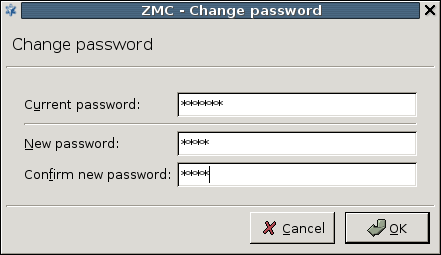
Enter the current password and a new password in the opening window.
Confirm the new password.
Click , commit and upload the changes, and reload the component.
Published on May 30, 2024
© BalaSys IT Ltd.
Send your comments to support@balasys.hu
