

6.4.5.1. Procedure – Setting routers and chainers for a service
To set a router or a chainer for a service, complete the following steps.
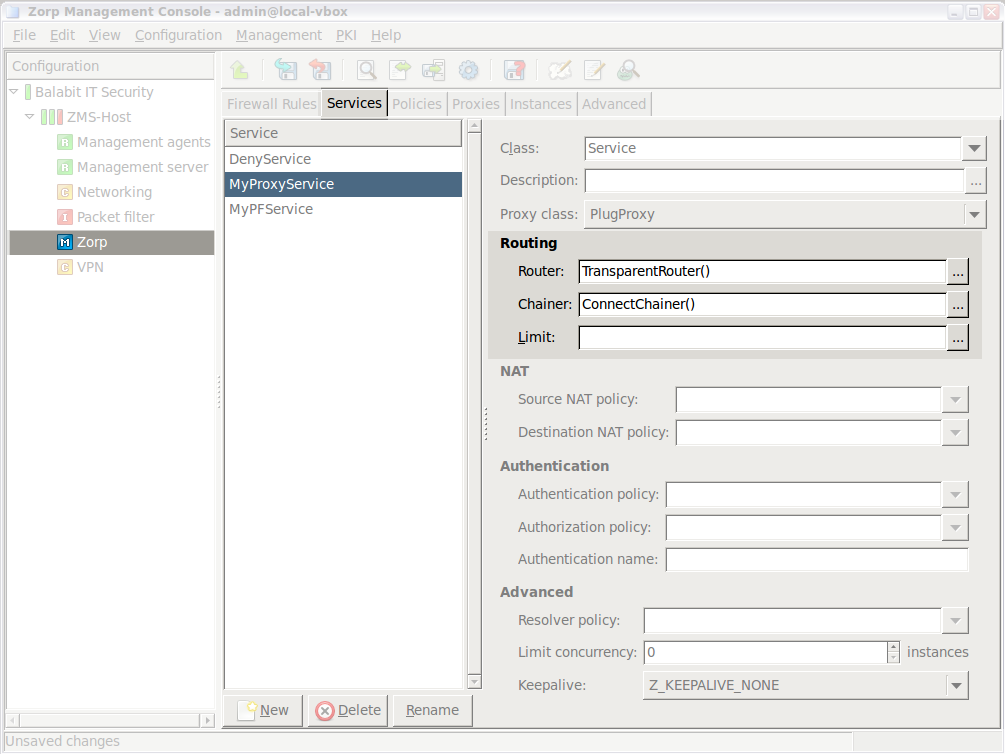
Navigate to the tab of the ZMC component and select the service to modify.
Click to select and configure a router. By default, the TransparentRouter is selected. The following routers are available:
Click to select and configure a chainer. By default, the ConnectChainer is selected. The following chainers are available:
Commit your changes.
Published on May 30, 2024
© BalaSys IT Ltd.
Send your comments to support@balasys.hu
