

5.1.6.2.1. Procedure – Creating interface groups
Purpose:
To assign interfaces to an interface group, complete the following steps.
Steps:
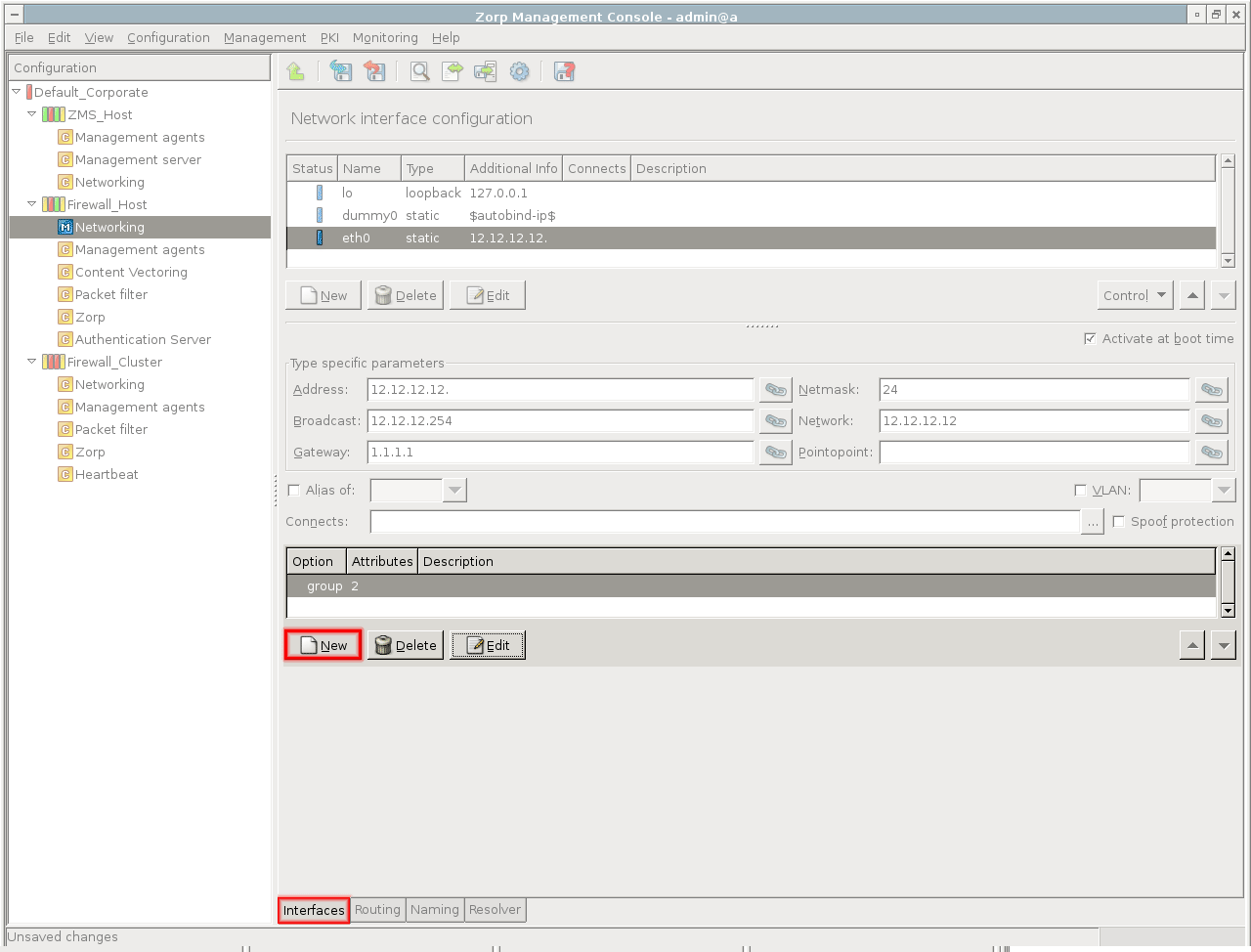
Navigate to the component and select the tab.
From the list of interfaces, select the interface to be added to the group.
Under the list of options, click .
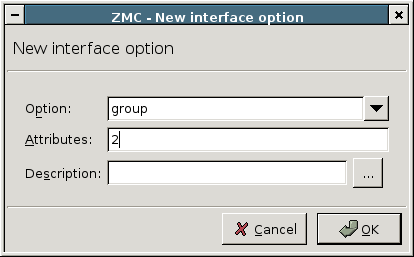
From the field, select
group.Groups are identified by a number between
1–255. To assign the interface to a group, enter a number into the field.Click .
Repeat Steps 2–5 to add other interfaces to the group.
Commit and upload the changes. To activate the changes, restart the interface.
Published on May 30, 2024
© BalaSys IT Ltd.
Send your comments to support@balasys.hu
